
Yamata Launcher
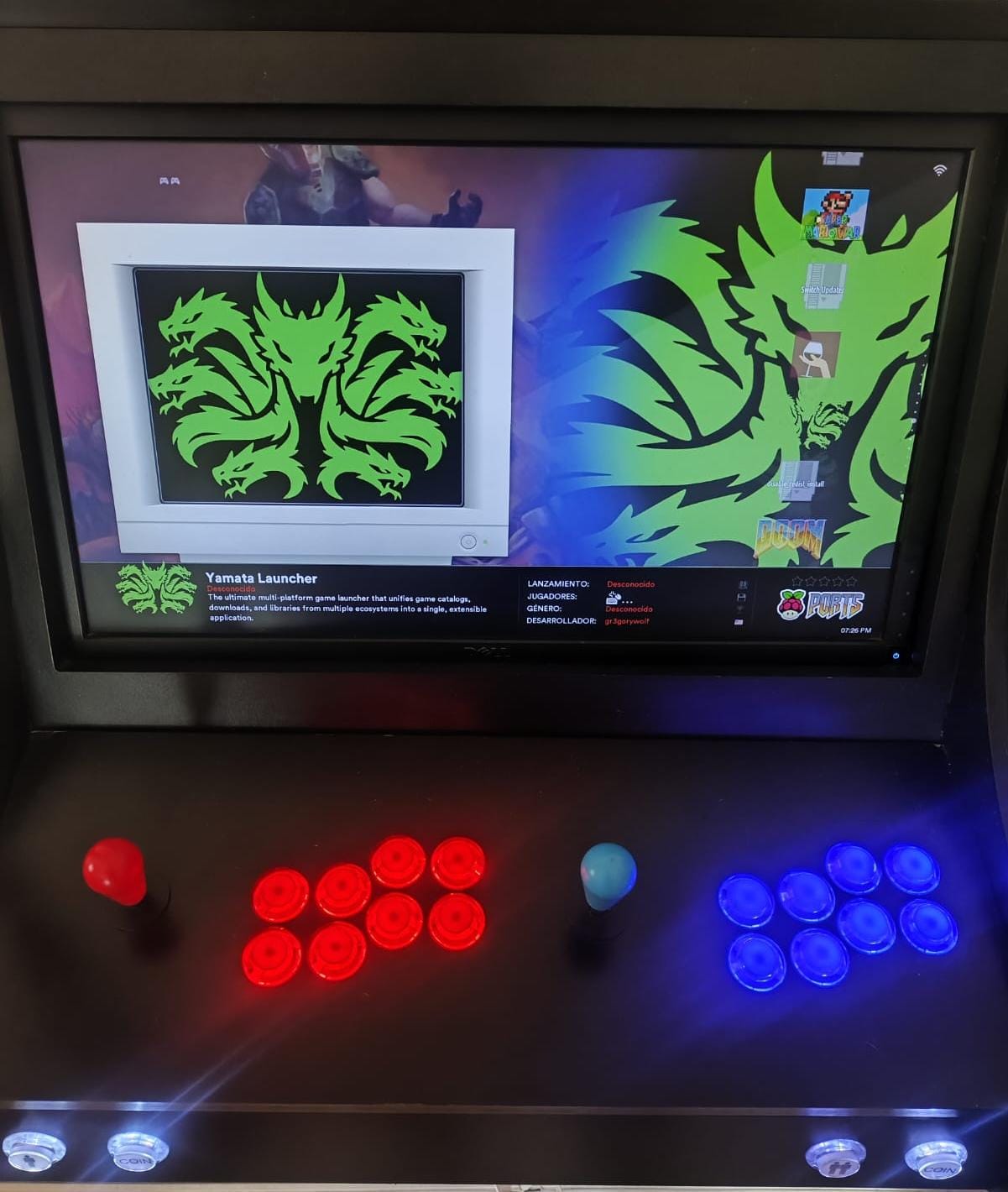
The ultimate multi-platform game launcher that unifies game catalogs, downloads, and libraries from multiple ecosystems into a single, extensible application.
Named after Yamata-no-Orochi (八岐大蛇), symbolizing multiplicity, power, and unification under a single entity.
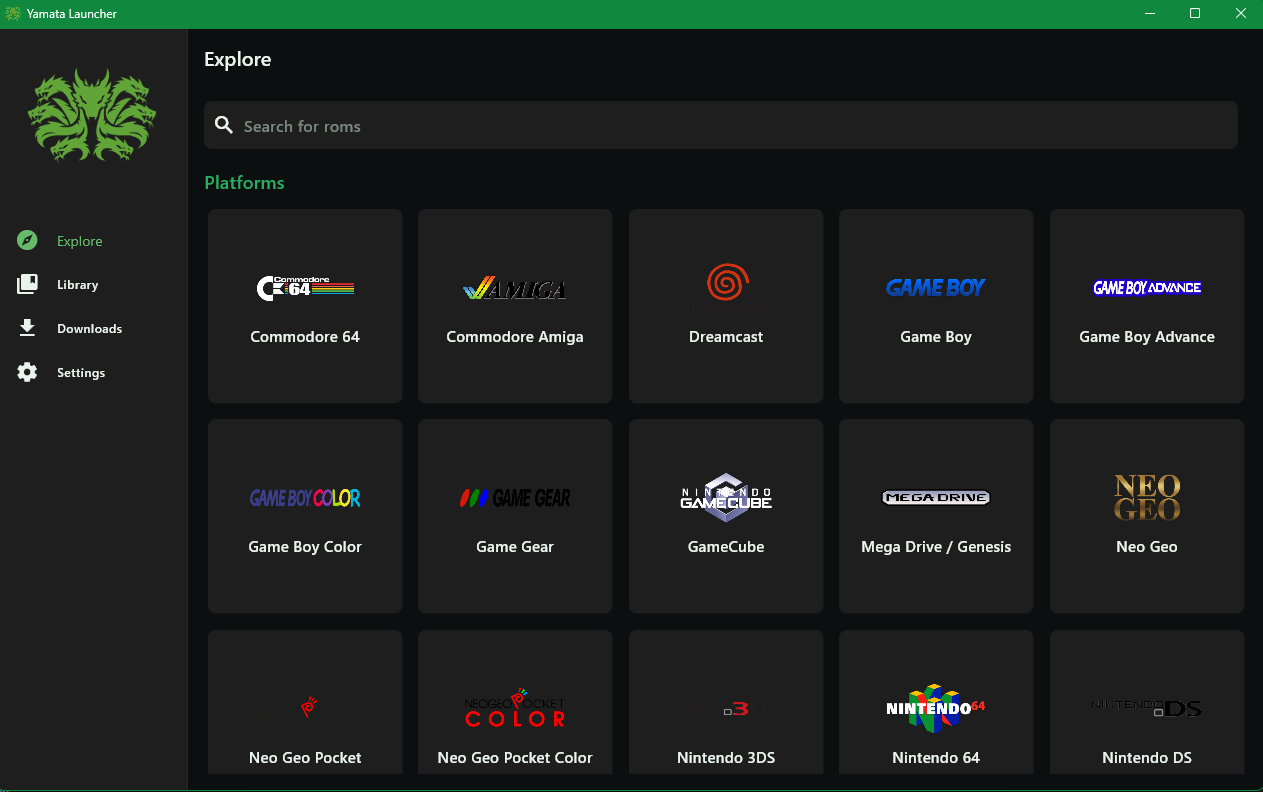
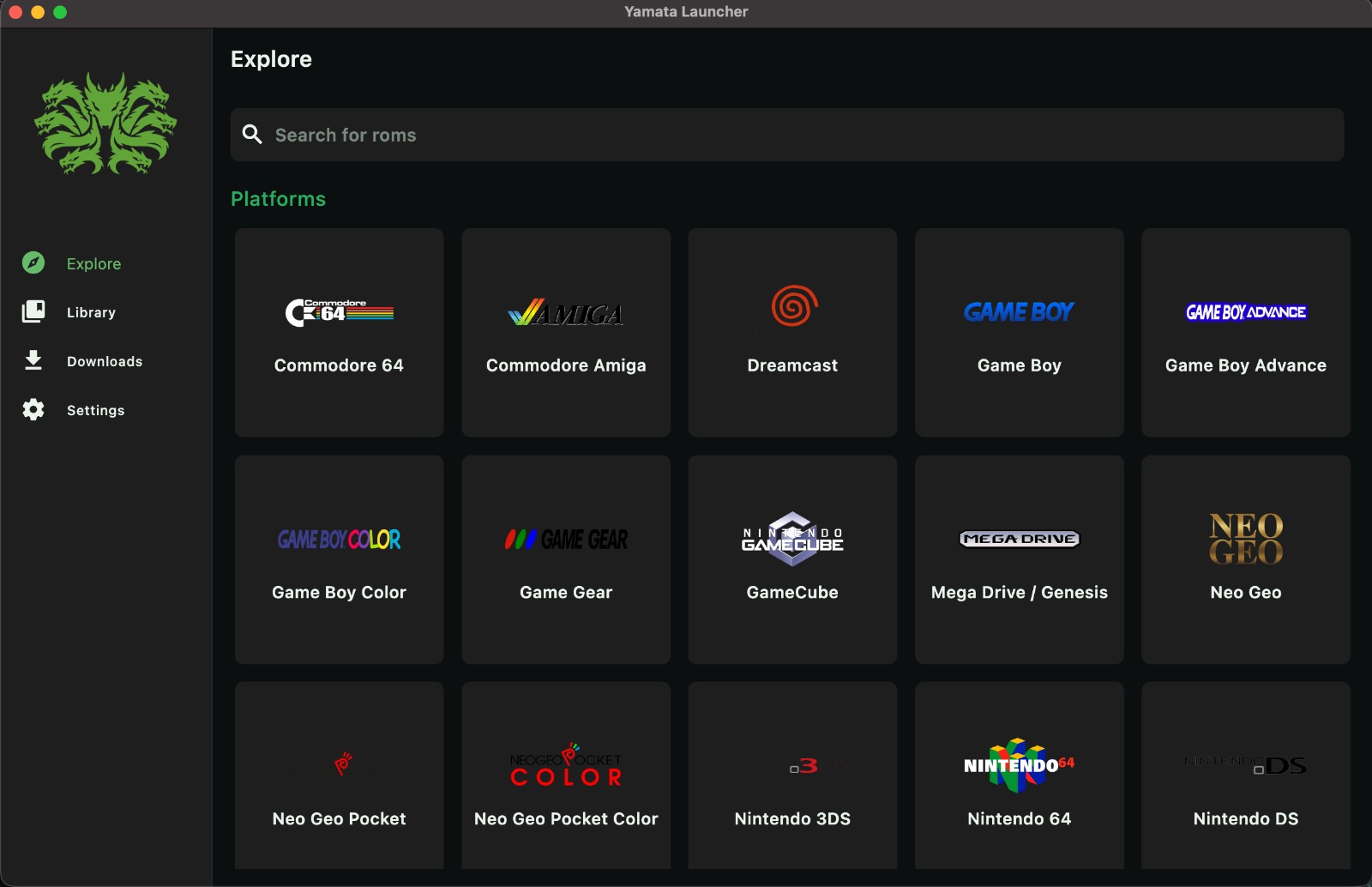
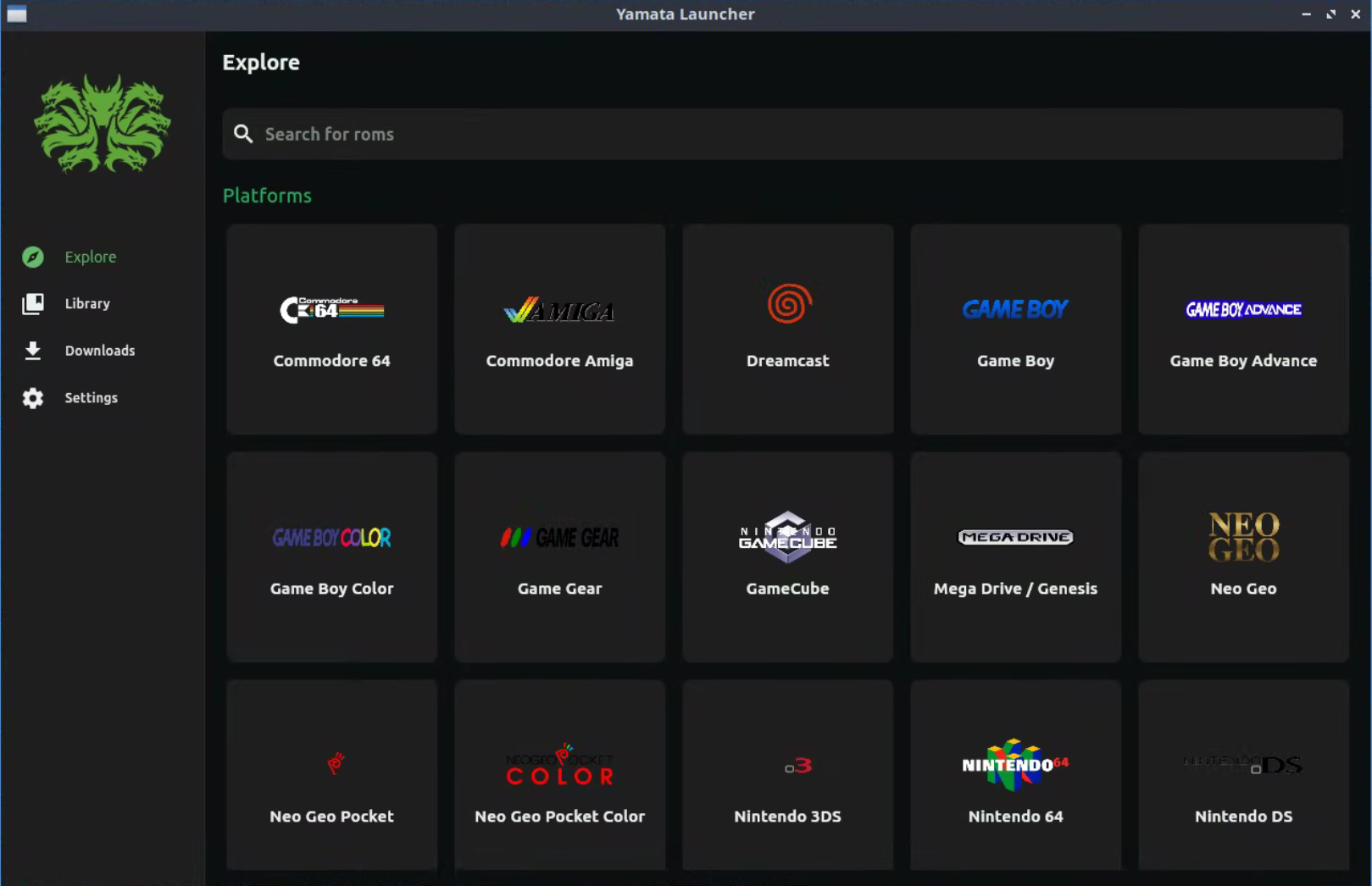
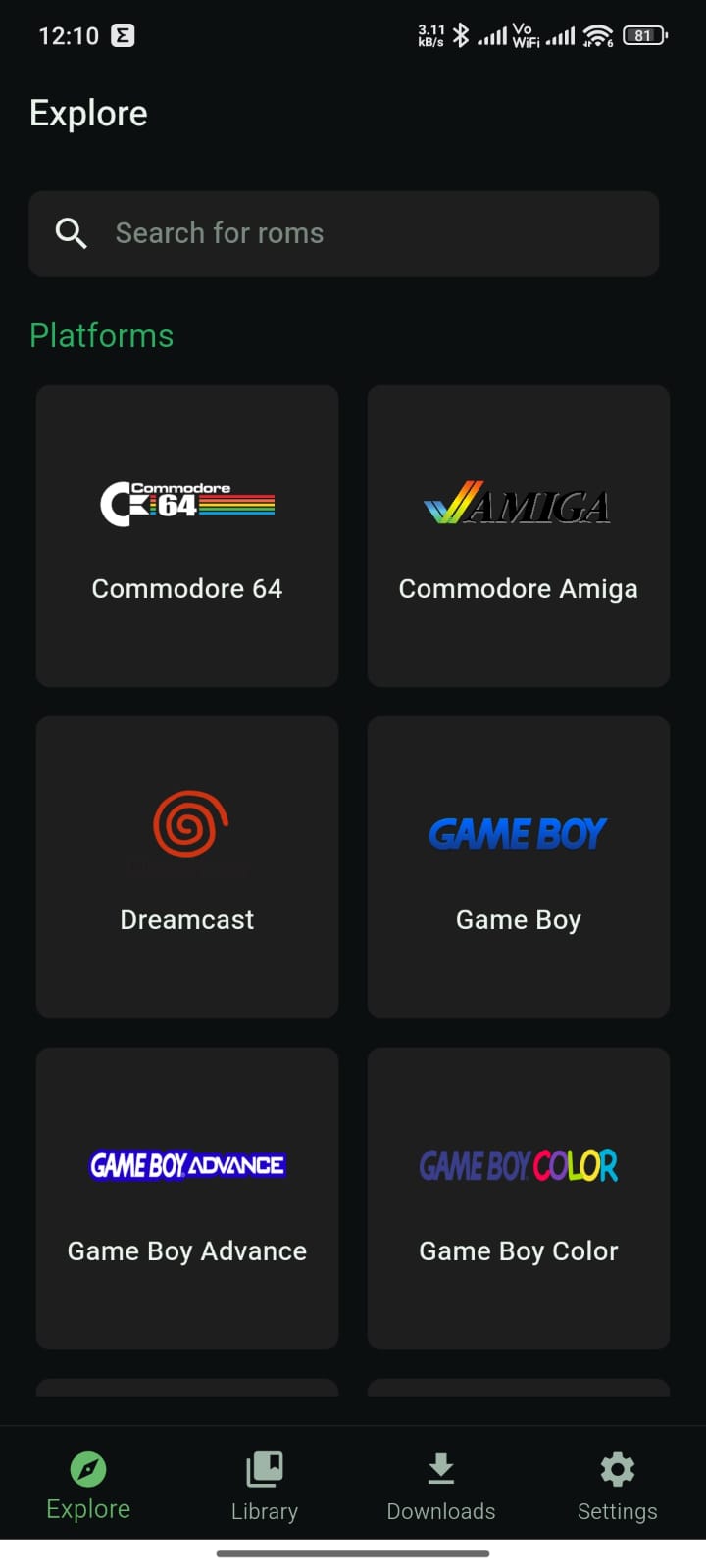
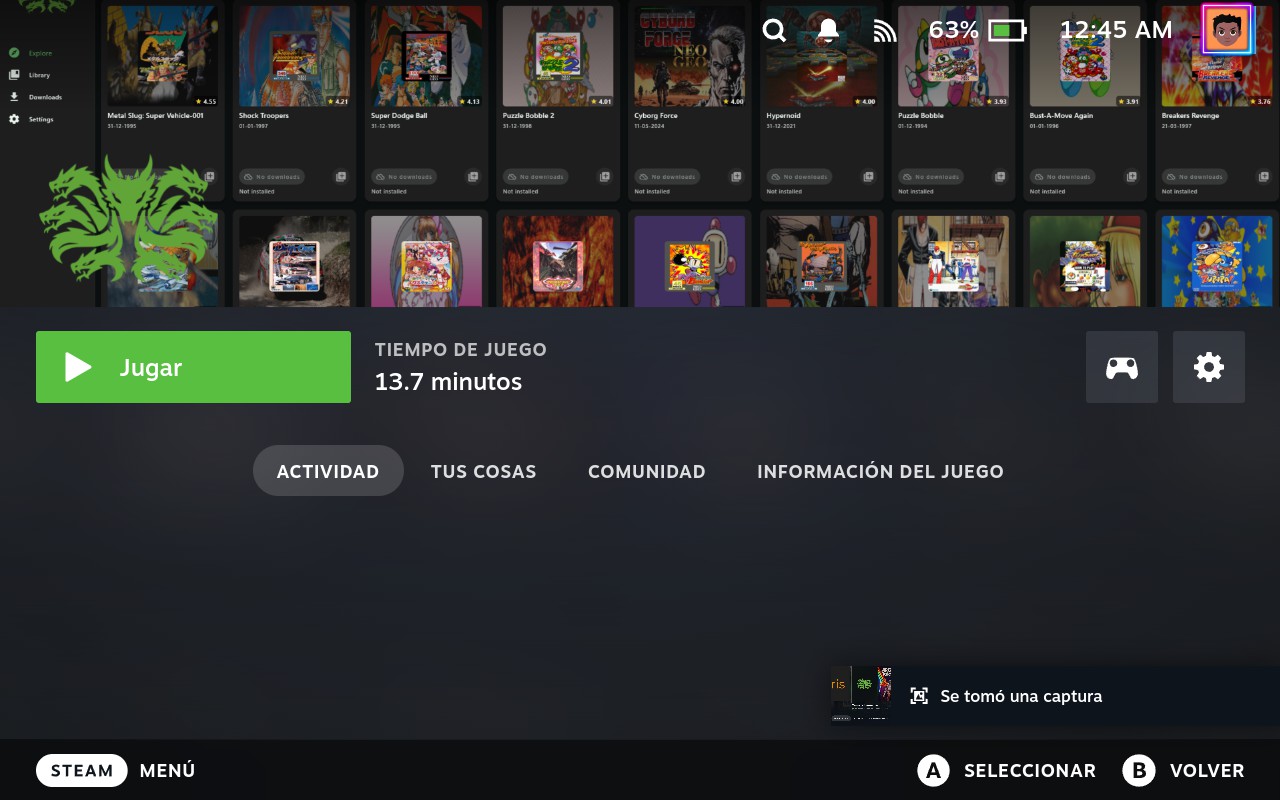
Powerful Features
Everything you need to manage, download, and play your games across all platforms in one unified experience.
True Multi-Platform Experience
Built with full feature parity across Windows, macOS, Linux, and Android, including seamless integration with gaming-focused distributions such as Batocera and SteamOS.
Unified Game Catalogs
Manage and browse game catalogs from multiple platforms and third-party sources through a single, unified interface.
Powerful Third-Party Downloads
Download games from third-party sources designed for Yamata, with full compatibility with providers from Hydra Launcher and an extensible system for future sources.
Multi-Protocol Downloads
Supports both Torrent and HTTP downloads and works with multiple file hosters including GoFile, MediaFire, VikingFile, Rootz, DataNodes, BuzzHeavier, PixelDrain, and FuckingFast.
Centralized Game Library
Keep all your games organized in one place, whether added directly from catalogs or manually as custom entries.
Game and ROM Launching
Launch PC games and ROMs directly from the launcher, with Android-specific ROM intent management to ensure emulator compatibility.
Automatic Playtime Tracking
Automatically tracks total playtime per game on desktop platforms and displays statistics directly in the library.
Built-In Extraction System
Automatically extracts downloaded content using the integrated 7z decompressor, with no external tools required.
Smart Executable Detection
Automatically detects game executables after extraction using a database of known executable names, minimizing manual setup.
Rich Game Metadata
Enhances your library with detailed metadata powered by GamesDB and estimated playtime data from HowLongToBeat.